SpinFire Publish Installation
Install SpinFire Publish
Double click the SpinFire Publish executable, select a language and wait for the installer to load.
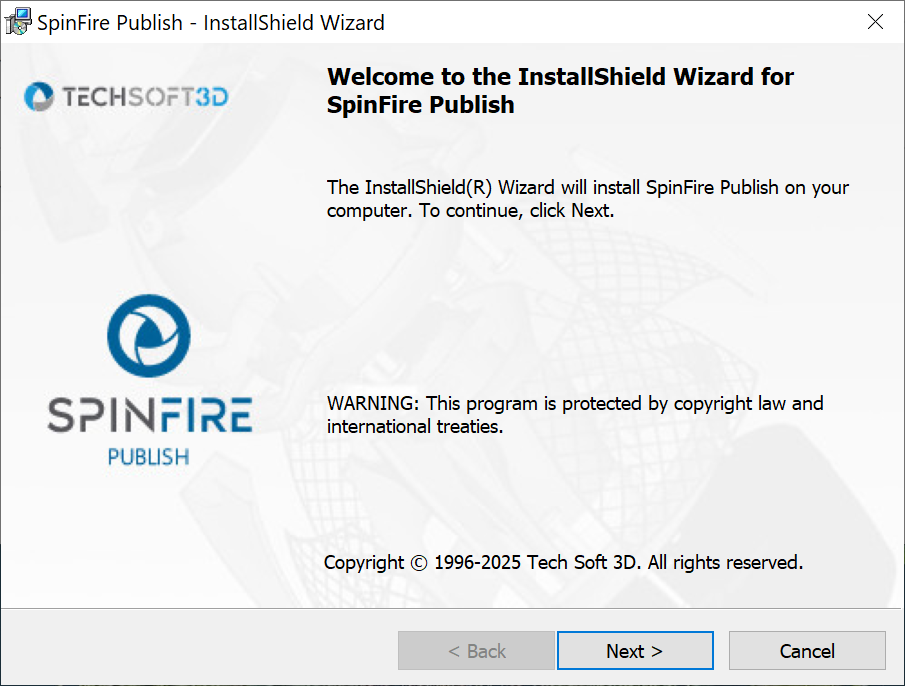
On the first screen click Next.
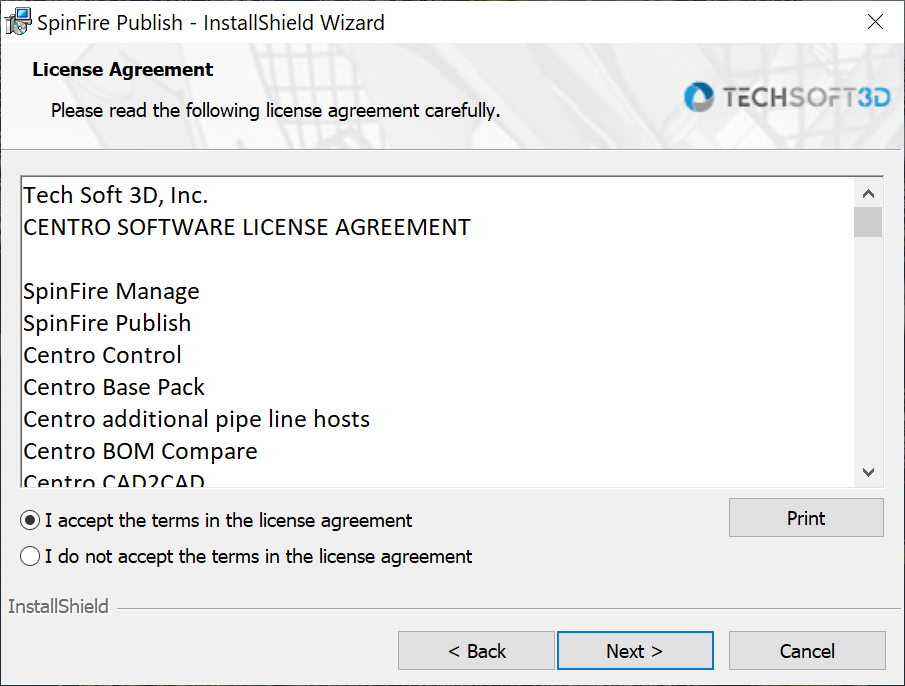
Review and accept the License Agreement, then click Next.
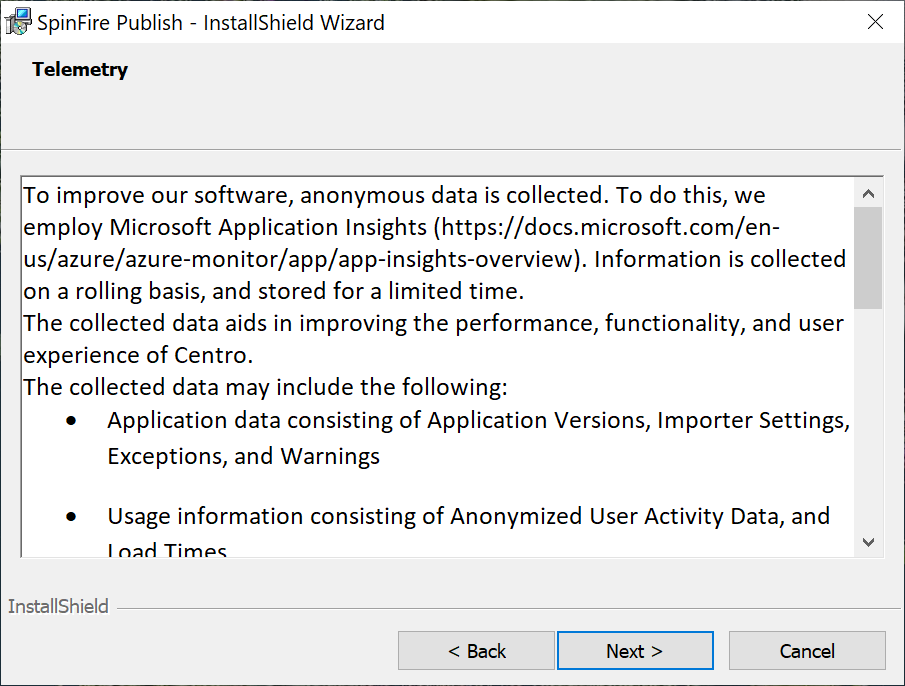
Review the Telemetry notice and click Next.
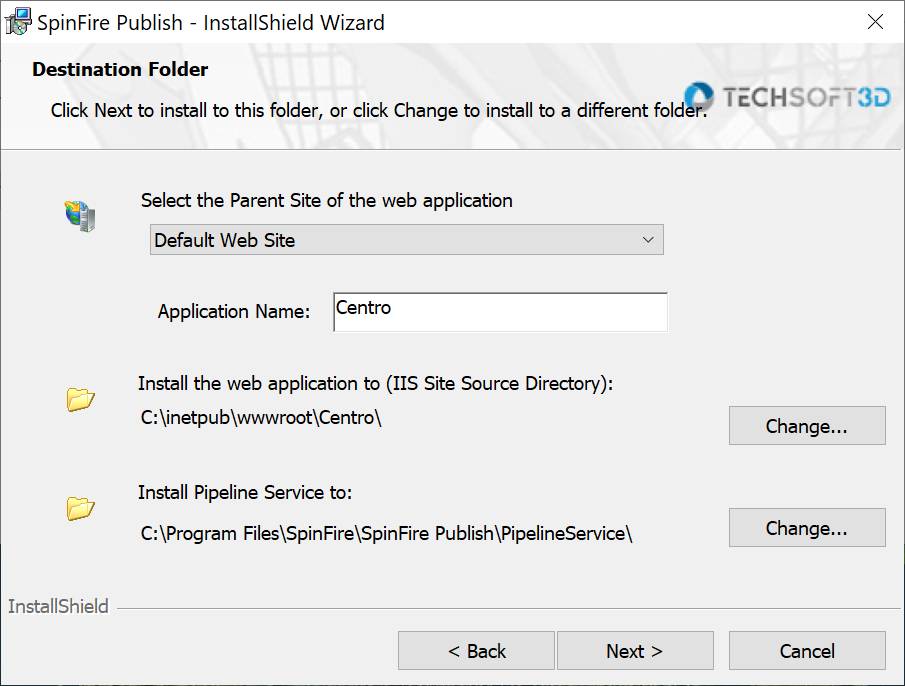
Select the dropdown menu and choose Default Web Site, then click Next.
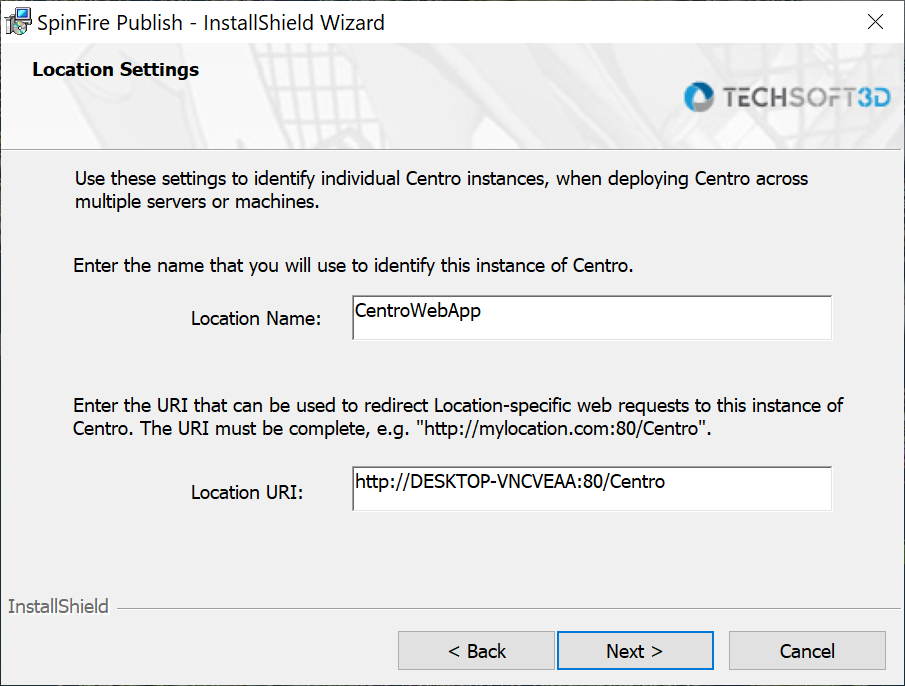
For Location Settings screen, leave the default settings and click Next.
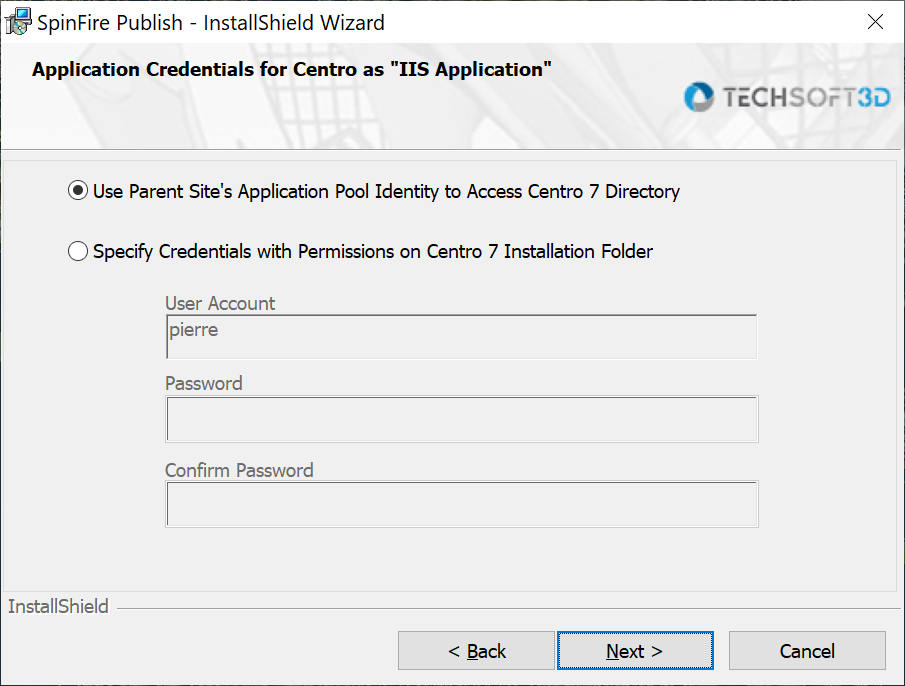
For Application Credentials screen, keep using Parent Site’s Application pool as it is, then click Next.
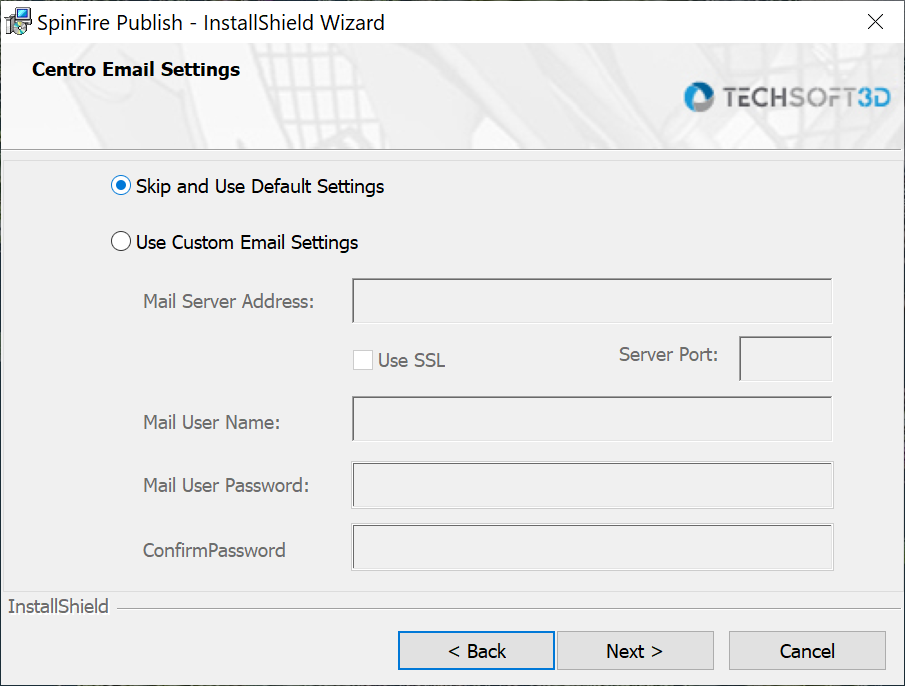
For Email Settings screen, click Next (This can be configured after the installation).

For Location Settings screen, leave the default settings and click Next.
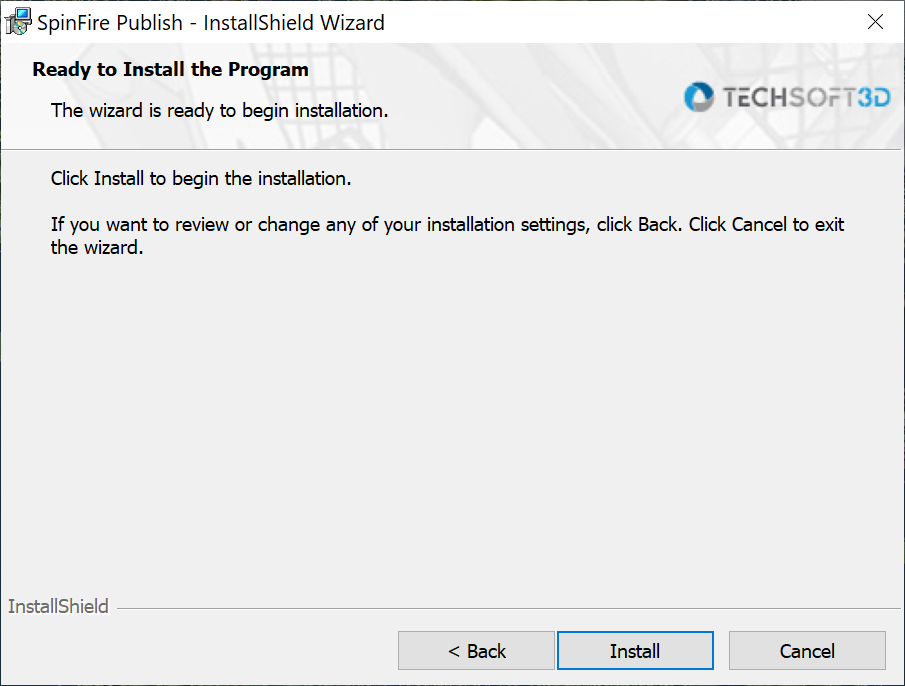
Click Install to finish the installation.
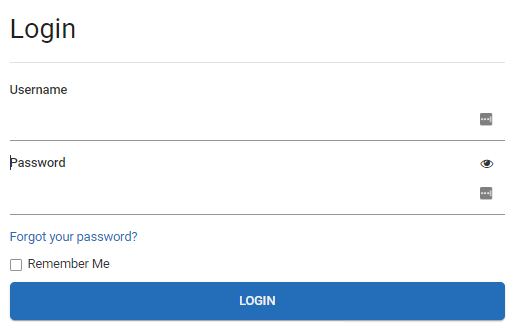
Go to the login page. Verify the site is accessible.