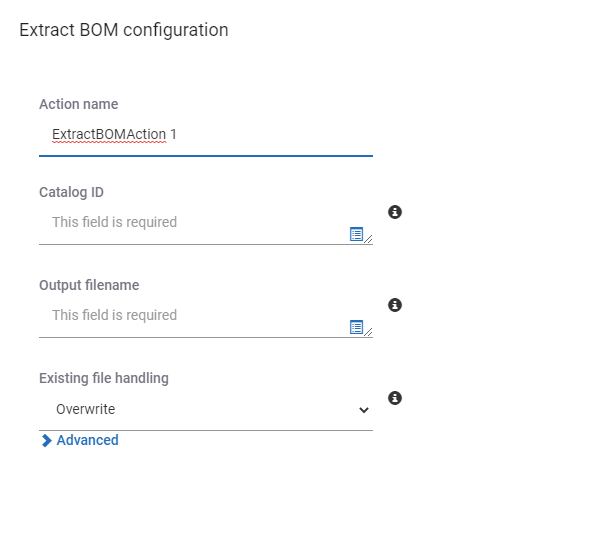
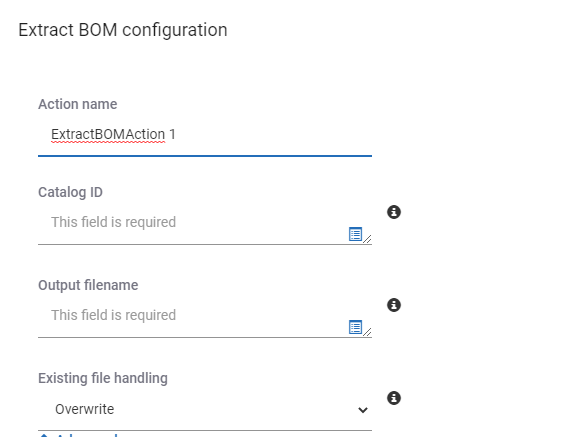
SpinFire Manage assists in extracting your essential information from CAD files. The Extract BOM action in the pipeline allows you to capture Bill of Material (BOM) information for each assembly, sub assembly, and part via a pipeline. The information is saved into a .csv file for easy viewing in Excel or for your own post-processing.
You can gain a copy of the extracted BOM from the location specified or upload it in the catalog where it is easily accessible and available to others.
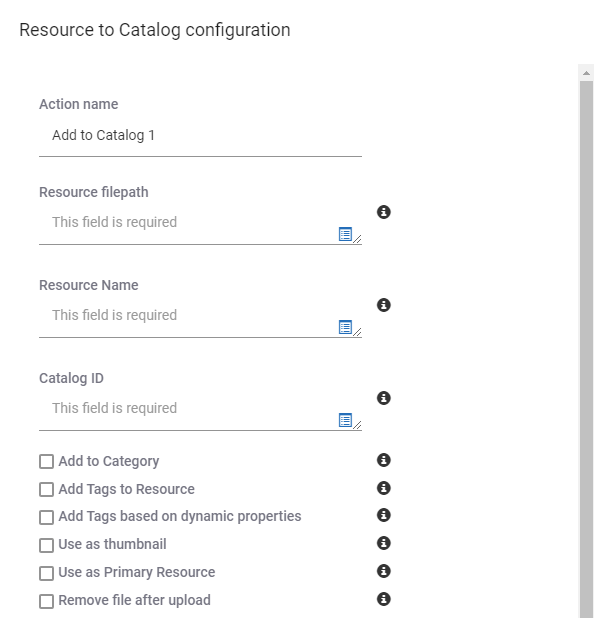
To upload the file to the Catalog from the pipeline,
Edit the pipeline.
Drag the Resource to Catalog action to the bottom of the pipeline after the the Extract BOM action.
Enter an Action name.
Use the dw_changed_file dynamic property fro the Resource filepath.
Enter a Resource name, such as “CAD File - BOM”.
Use the catalog_id dynamic property for the Catalog Part identifier field.
Your multilingual generative AI assistant for documentation. Ask me anything about SpinFire Manage in your own language, or choose a sample question below to start a conversation:
What is SpinFire Manage?
What are the latest release notes for SpinFire Manage?
How do I start evaluating SpinFire Manage?
How can I get assistance?
SPINNY may store conversations according to OpenAI's policy. Responses may not always be accurate.