Azuread Login
If your organization is configured for and your account imported, you can login to Cento using your Microsoft credentials.
Tip
Microsoft account passwords and security are governed by Microsoft software and are not saved within SpinFire Manage databases.
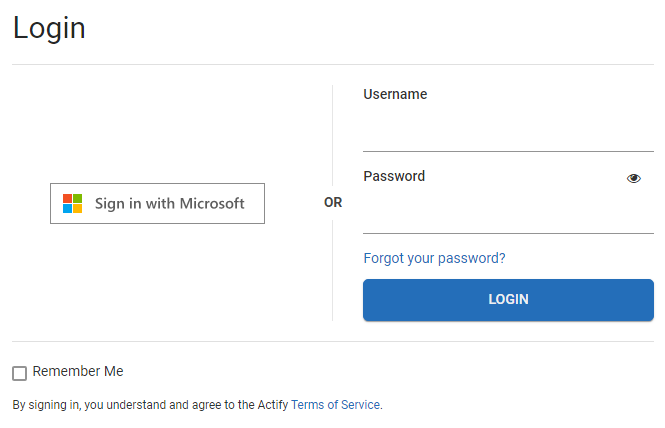
The Login page differs from SpinFire Manage’s normal login page where one can login with either your
Microsoft credentials or
SpinFire Manage credentials
To login using Microsoft credentials
On the SpinFire Manage login page, click Sign in with Mircrosoft.
If you are already signed in to your Microsoft account on your system, you are taken directly into SpinFire Manage (single sign-on).
If you are not signed in to your Microsoft account, you will need to fulfill the requirements to do so.
Your organization’s security level may differ as you may be asked to
Enter your username
Enter your password
Respond to multi-factor authentication
Fulfill your organization’s additional conditional access requirements.
Log Out
When you log out of SpinFire Manage, you remain logged in to Microsoft.
If you wish to force logging out of Microsoft, use the following link.