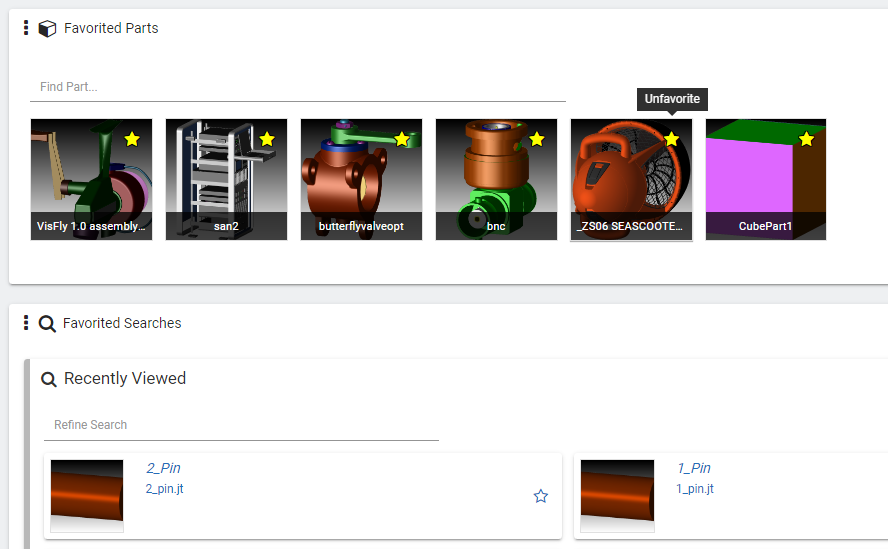
To more easily locate frequently-used items, flag a part, project, and/or search as a “favorite.”
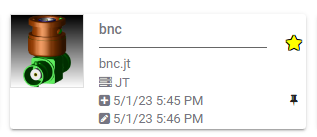
To select an item, simply click on its corresponding star–a yellow star indicates that the item has been selected.
Favorite items appear on the Catalog Home page (note that the page may need to be refreshed to see all favorites).
In the following, note the location of the favorites icon:
Search results
Parts in a project on the Projects page
Saved searches
Projects on the Projects page
Conversation saved
SPINNY BETA
Hello! I'm SPINNY
Your multilingual generative AI assistant for documentation. Ask me anything about SpinFire Manage in your own language, or choose a sample question below to start a conversation:
What is SpinFire Manage?
What are the latest release notes for SpinFire Manage?
How do I start evaluating SpinFire Manage?
How can I get assistance?
SPINNY may store conversations according to OpenAI's policy. Responses may not always be accurate.