The Workspace
The SpinFire Insight Workspace displays models and drawings and allows you to manipulate and markup your documents.
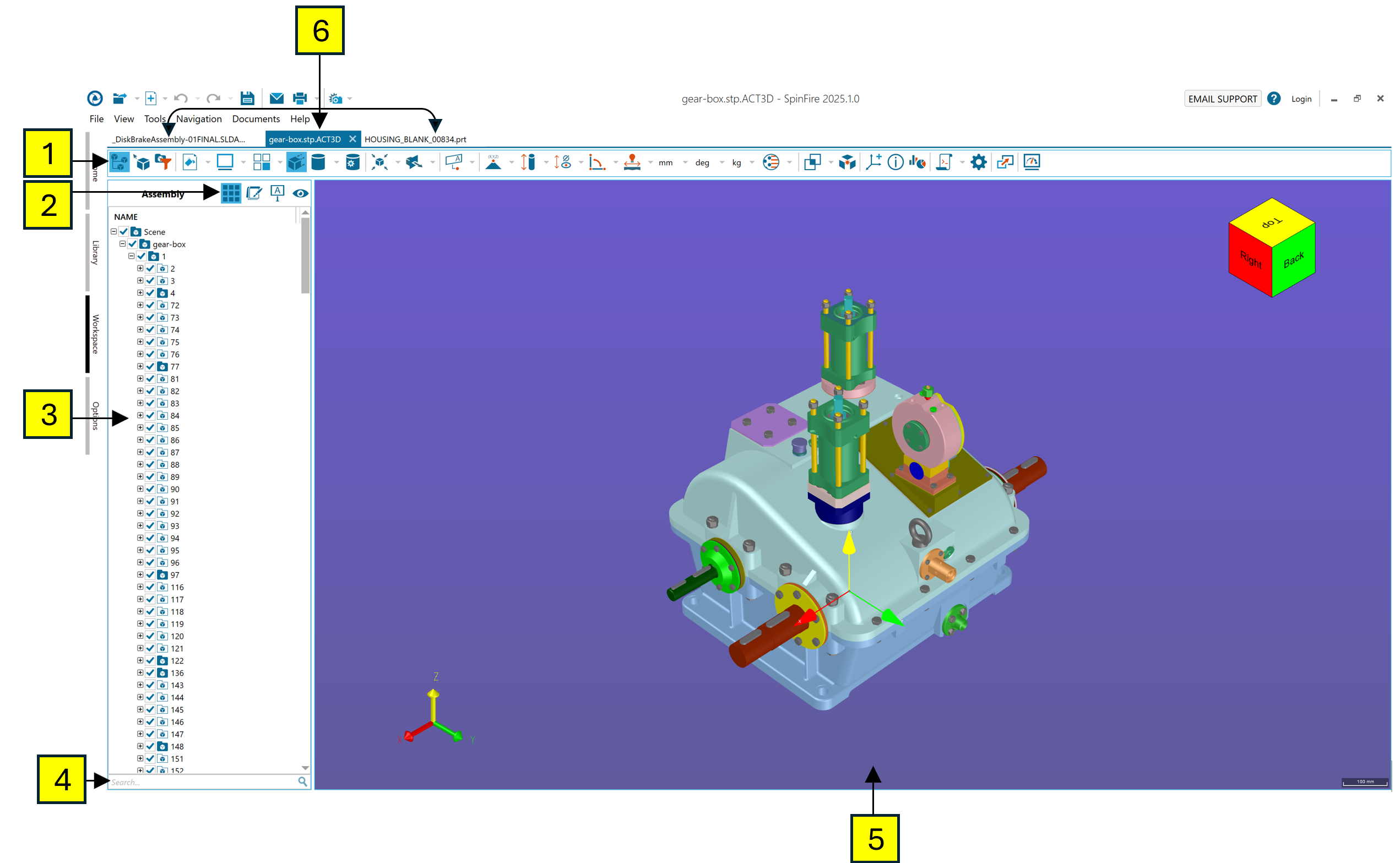
The Workspace works in two modes:
3D Mode - .3D files and all 3D CAD files.
2D Mode - 2D CAD files.
See Importers for a list of supported file types.
A .3D file can contain multiple documents; the Workspace lets you open all the documents contained in a .3D file and save multiple documents in a single .3D file.
Each document is designated by a tab at the top of the Workspace (see 6). Click the tab to view a document and make it active.