SpinFire Crashing Issues
If your SpinFire crashes when trying to launch the application, go through the list below to eliminate what may be the root cause of your issue.
Checklist:
Install/Repair Latest .NET version
Install C++ Redistributable x32/x64
Delete corrupted SpinFire Configuration Files
1. Install or Repair the latest .NET installed on your machine
.NET on rare occassions can be corrupted, installing the latest version or running .NET installation a repair mode can address this issue. A reboot is recommended after the install/update or repair.
First try to install the latest .NET Microsoft .NET Framework 4.8 offline installer for Windows - Microsoft Support. If already installed with the latest, proceed to point b.
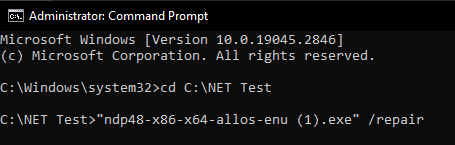
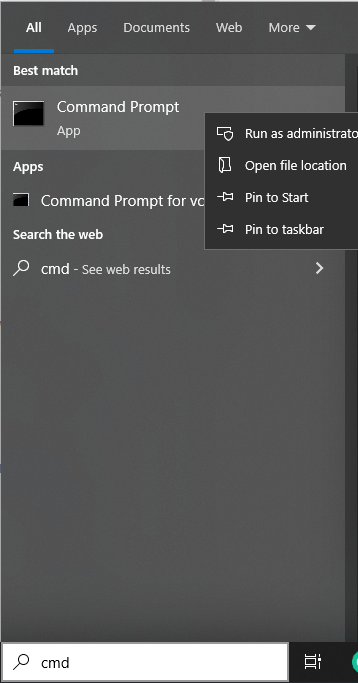
Run .NET in repair mode by running the .NET installer through Window’s Command Prompt as an Administrator , adding at the end of the line /repair to force it to run in repair mode.
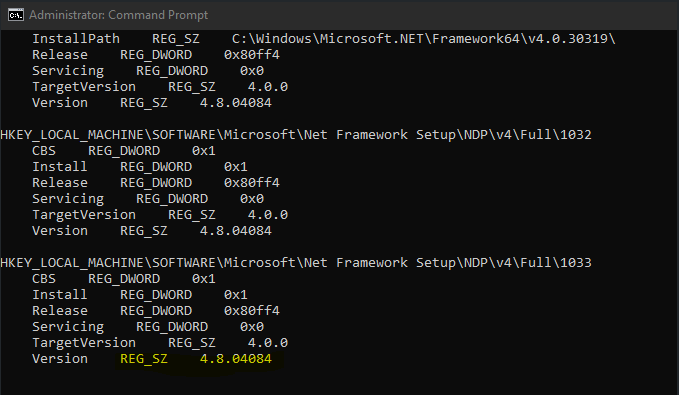
- To check the version of .NET currently installed, run this command in Command Prompt while as Administrator :reg query “HKLM\SOFTWARE\Microsoft\Net Framework Setup\NDP\v4” /sThe last lines which have “Version REG_SZ” will show what version of .NET is currently installed on the machine.
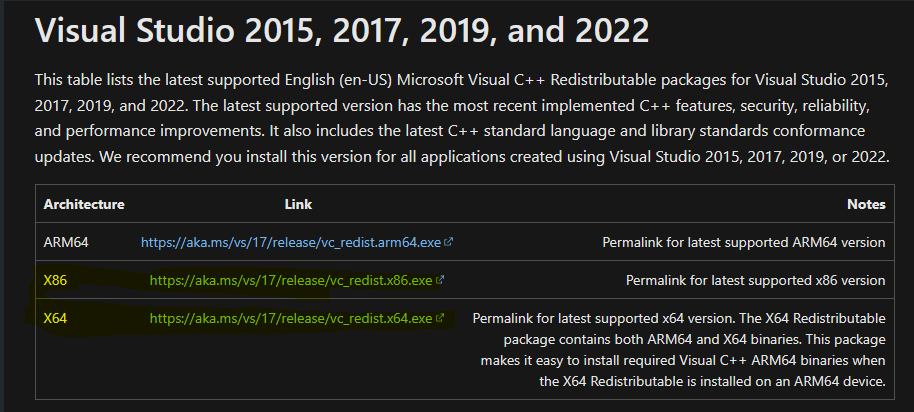
2. Install both C++ Redistrutables x32/x64
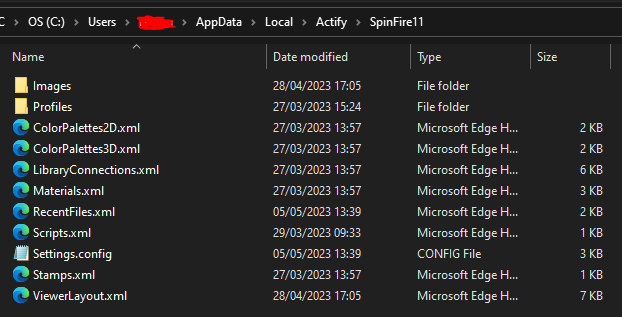
3. Delete corrupted SpinFire Configuration Files
These are stored in your Window’s Userprofile. Then reopen SpinFire which will regenerate fresh copies of all these files. C:\Users\ YOUR_USERNAME_GOES_HERE\AppData\Local\Actify\SpinFire11
After going through all the above points does not resolve your issue, please reach out to Tech Soft 3D’s Support Team at our Helpdesk or spinfiresupport@techsoft3d.com.
Change Graphic Driver setting from Auto to OpenGL2 inside SpinFire Insight.
Options > Settings> 3D Viewer Tab and Change the Graphics Driver from Auto to OpenGL2.
Apply to save this setting change.
Reopen your model (otherwise the change will not take effect).
Crashing or performance issues may be resolved by this change, if not please reach out to Tech Soft 3D’s Support Team at our Helpdesk or spinfiresupport@techsoft3d.com.